

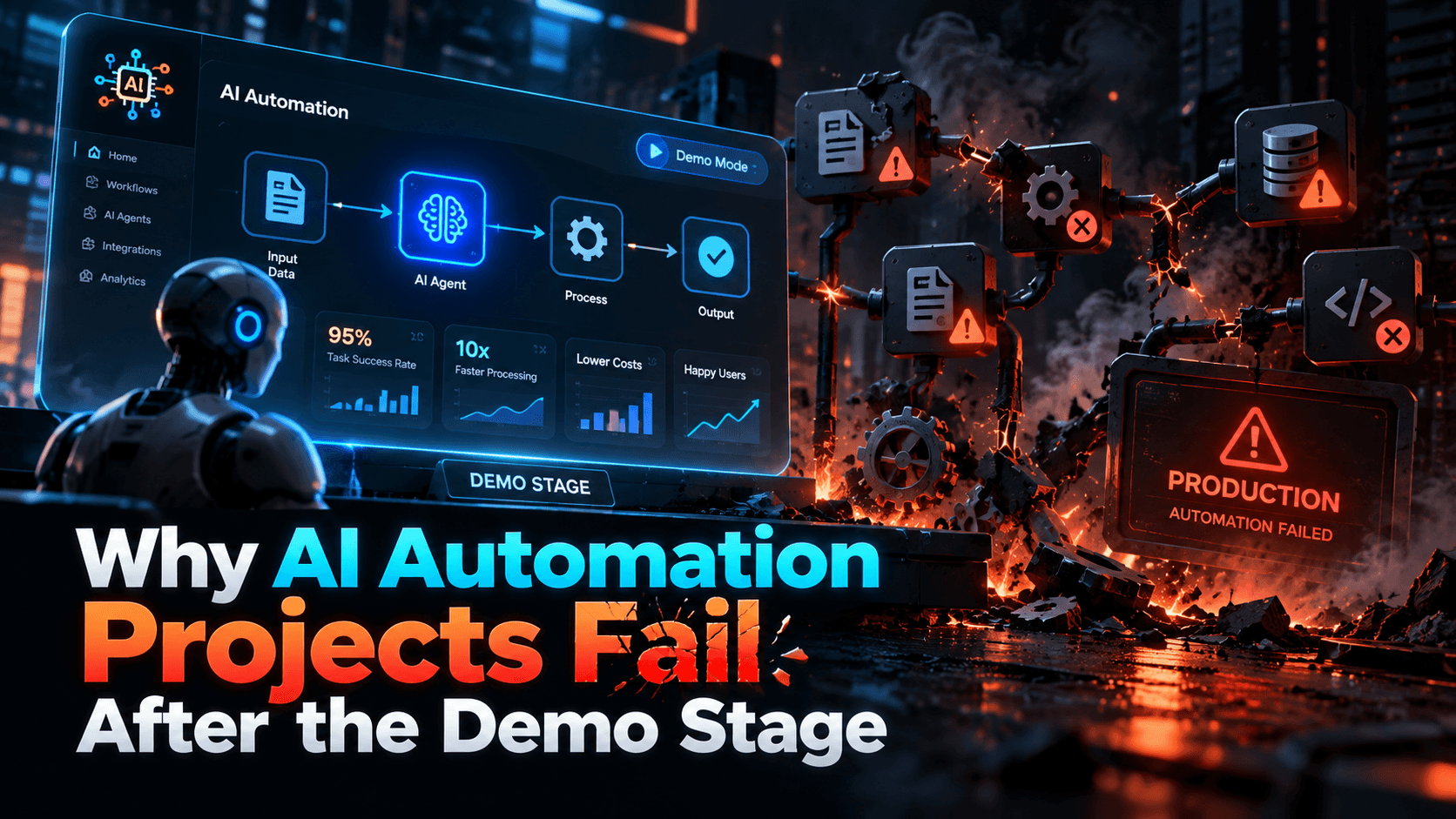
AI automation is easy to make impressive in a controlled demonstration.
A form arrives, the AI understands it, a workflow runs, a document is generated, and everything appears to happen automatically.
Then the system reaches production.
Real customers provide incomplete information. APIs fail. Staff use inconsistent terminology. Exceptions appear. Permissions become complicated. Somebody needs to approve an action.
That is where many AI automation projects begin to struggle.
1. The demo uses ideal inputs
Demonstrations usually show clean examples. Production does not.
Real inputs may contain spelling mistakes, missing fields, conflicting information, unusual file formats, duplicated requests, unclear instructions, or incomplete customer data.
If the workflow only works when the input is perfect, it is not production-ready.
2. The workflow has no exception path
AI is often introduced specifically because the workflow contains ambiguity.
That means exceptions are normal rather than rare.
A production process needs to know when the AI can continue automatically, when it should request more information, when a human should review the case, when the process should stop, and how failed actions should be retried.
Without exception handling, automation can create more operational work than it removes.
3. The project automates a task instead of a process
Generating a response is a task.
Completing a customer-support workflow may involve receiving the request, identifying the customer, checking previous activity, classifying the issue, retrieving information, drafting an answer, obtaining approval, sending the response, updating the CRM, and recording the outcome.
If the AI only automates one visible step, the overall workflow may not improve much.
4. Integration work is underestimated
AI rarely creates business value in isolation.
It usually needs access to CRM platforms, email, document storage, accounting tools, help desks, databases, internal portals, or project-management software.
Each connection introduces questions around authentication, token expiry, permissions, failed APIs, duplicate processing, and data consistency.
The demo may hide these issues. Production cannot.
5. Nobody owns the workflow after launch
AI automation is not a one-time installation.
Someone needs responsibility for monitoring failures, updating prompts or rules, reviewing unusual outputs, checking usage costs, managing permissions, measuring performance, and responding to upstream software changes.
Without ownership, small problems accumulate until staff stop trusting the workflow.
6. The organisation automates before simplifying
Some processes are inefficient because the underlying workflow is poorly designed.
Before automating, ask whether all current steps are necessary, whether the same information is entered more than once, whether approvals are duplicated, and whether responsibilities are clear.
A simpler process usually produces a more reliable automation.
7. The project chooses the wrong automation level
Not every process needs an autonomous agent.
Some workflows only need a trigger and a few deterministic actions. Others need branching, state, tool use, or human approvals.
A useful reference is the NexusAi guide to AI automation tools for business, which separates automation into levels ranging from simple triggers and multi-step workflows to enterprise RPA and autonomous agents.
The right level depends on the ambiguity and risk of the process.
8. Success is not defined before launch
A demo can be declared successful because it worked.
A production system needs measurable outcomes.
For example:
- reduce response time from four hours to one hour
- eliminate 60% of manual data entry
- reduce processing errors by 30%
- handle 40% more requests without increasing headcount
- reduce handoff delays between teams
These targets make it possible to determine whether the automation is actually useful.
9. Human review is treated as failure
Some teams assume successful AI automation means removing people completely.
That is often unnecessary.
A better system may use humans only where they add the most value, such as approving high-risk actions, handling unusual cases, checking low-confidence outputs, or reviewing sensitive decisions.
Human-in-the-loop design can make automation more reliable while still reducing most repetitive work.
10. Production requires observability
If a workflow fails silently, the business cannot manage it.
Useful monitoring may include workflow run status, error reason, validation outcome, API failures, processing time, retry count, human-review rate, and cost per run.
The business should be able to understand what happened without reconstructing the workflow manually.
Final thought
AI automation projects do not fail because demos are useless. They fail because a demo proves only that a happy-path scenario is possible.
Production requires reliable integrations, clear ownership, exception handling, monitoring, governance, realistic inputs, and measurable business outcomes.
The strongest automation projects are designed around how work actually behaves when conditions are imperfect.